

Have you ever noticed a leaky faucet at work or a flickering light at a hotel where you are staying for the night? What if these little issues were resolved with a ticket and that could be automated with a click or two? That is where work orders come in! Imagine them as to-do lists for getting things fixed, but in an official manner that will inform the concerned departments.
Furthermore, when it comes to maintaining the complex operations of any facility, WOs play a significant role. From minor alert management to inventory management, work request systems ascertain the smoothness of each process.
This guide will break down everything you need to know about WO, types, and the lifecycle of a manual work order.
What is a Work Order?
A work order (WO) is a digital document that initiates, tracks and simplifies the completion of a specific task or series of tasks associated with a specific asset/location situated in a facility. It is the backbone of any efficient maintenance management and operational system.
The work order ticket system is essential for organizing and operating maintenance, repairs, or any operational tasks. These electronic work orders outline the details of the task, including what needs to be done, who is responsible, and the deadline that serves to document and communicate effectively between teams.
What are the Different Types of Work Orders?
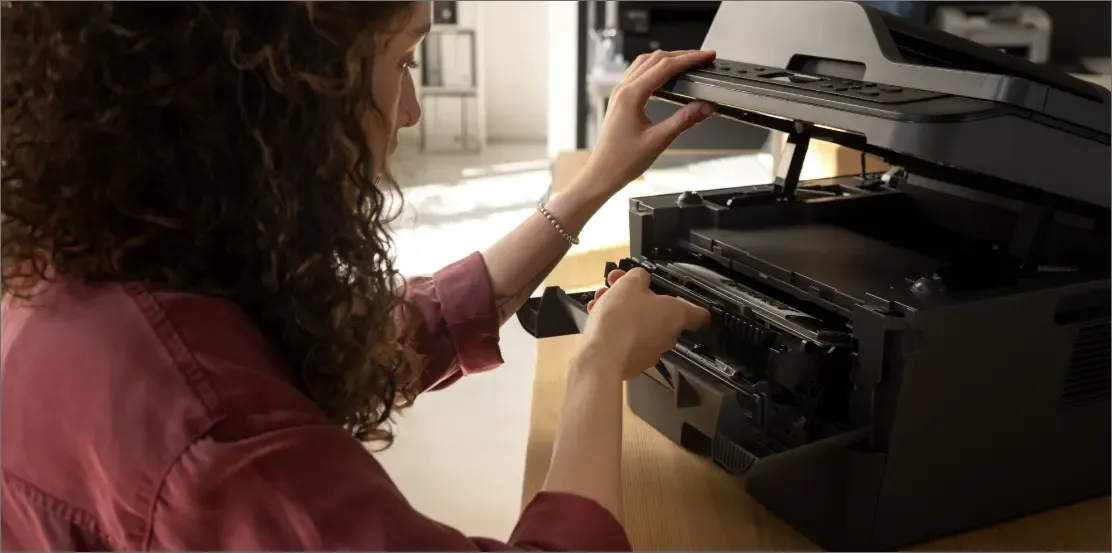 Leaky faucets, flickering lights, or jammed printer? These are the silent yet hindering malfunctions that need your dire attention to improve user experience and interaction with the building. Just like needs for repairs and maintenance vary from one organization to another, so do the WOs that address them.
WOs are differentiated based on their applications and actions. Let's dive into the different types of WOs and see how they help keep things running smoothly.
Did you know a constantly dripping faucet can waste an astonishing amount of water?
A leaky faucet that drips just once per second can waste over 3,000 gallons of water in a single year equivalent to 180 showers!
1. Corrective maintenance WO
Corrective maintenance WOs are issued in response to equipment failure or a breakdown as a remedy to correct the issue that has arisen. These work order management systems generate tickets aim to restore equipment to its optimal working condition. They are often urgent and require immediate attention such as the replacement of spares or assets.
2. Electrical WO
An electrical WO is particularly used for tasks related to electrical systems and components within an establishment. These can include installing new electrical fixtures, fixing faulty wiring, upgrading electrical panels, or conducting routine upkeep on electrical equipment.
3. Emergency WO
Emergency WOs are high-priority tickets issued in response to critical failures or hazards. These issues pose a safety risk or significantly disrupt operations and demand quick action to counter risks.
4. General WO
A general WO covers a broad spectrum of regular maintenance and repair tasks that do not fall into specialized categories like electrical or HVAC. These tasks can include plumbing repairs, pest control, painting, carpentry, general cleaning, and minor building repairs.
5. Inspection WO
Inspection WO is used for checking the condition of equipment or a building. A property management work order system helps identify potential issues before they become major problems. Regular inspections ensure equipment and facilities are functioning correctly comply with safety standards and are ready to use.
Did you know using a BAS can help you automate your building O&M? Know more
6. Preventive maintenance WO
Preventive maintenance WOs are usually created for regular upkeep to prevent future problems. These orders are scheduled regularly to prevent equipment failures and ensure continuous operation. They typically include routine inspections, lubrication, adjustments, and part replacements.
7. Safety WO
These types of WOs focus on ensuring that safety measures are in place and functioning correctly. They might involve checking fire alarms, emergency exits, or other safety equipment that contribute to the safety of the WO.
8. Special project WO
Special project WOs are used for non-routine and larger-scale projects that require significant planning, resources, and time. These include remodeling the facility, installing new equipment, or performing major upgrades.
The lifecycle of a manual work order
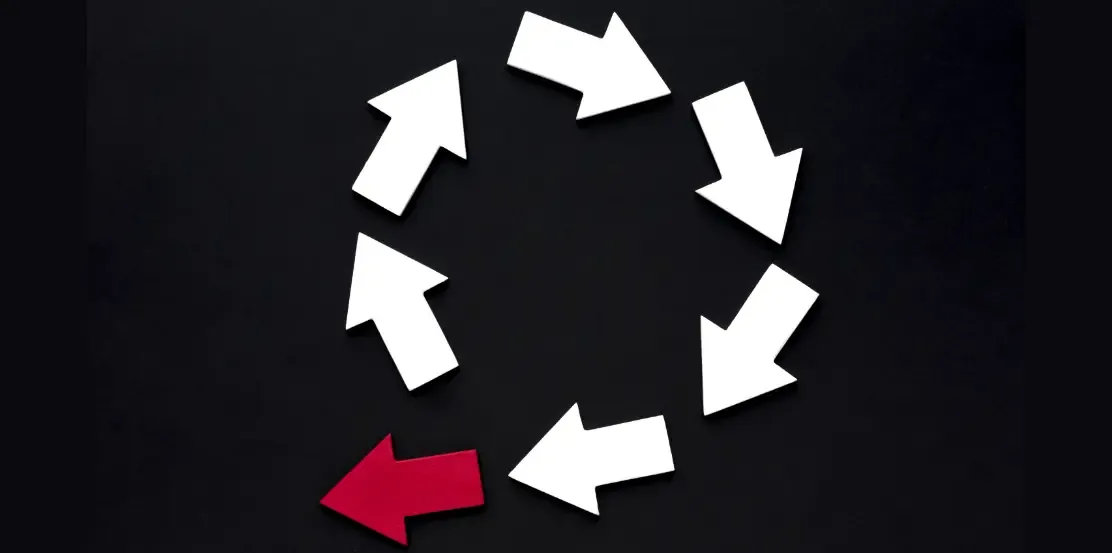 1. Request: The lifecycle begins with a work request. Someone identifies a problem and submits a work request either verbally or through a simple form using an app/scan.
2. Assignment: Once a work request is submitted, it will be reviewed and approved by a manager/supervisor, and a WO will be generated for the same. It will then be forwarded to the assigned person or team associated with the specific type of request.
3. Completion: The assigned person completes the task and documents their work on the WO system. The status of the work request is then changed to complete and will be sent across for review.
4. Review: The completed work is reviewed and approved by the supervisor. The work is reviewed to ensure it meets the required standards. The technician updates the WO form with details about what was done to the request assigned to him, the materials used, check-in and check-out time, etc.
5. Closing: The WO is closed, marking the completion of the requested task when all the necessary details are updated.

